
Creating New Flags
A manual flag is a flag that has been created by the user. Manual flags are raised on a parcel when an action has occurred that requires the attention of the appraiser. In Capture, users are able to create manual flags through the Administrative tab on the main workspace. This quick help will guide the users through the process of creating new flags in Capture.
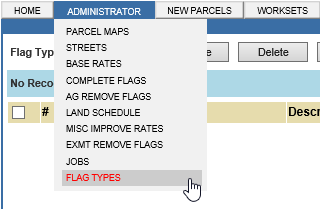
1. Hover over Administrator and choose Flag Types.
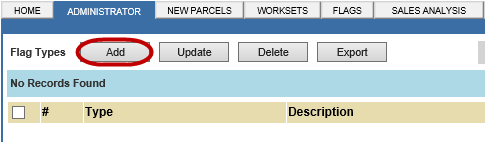
2. Click Add.
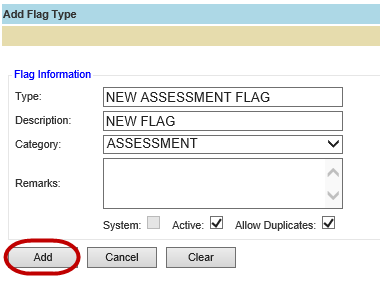
3. Type in the appropriate information and click Add.


Confidential | Copyright © 2001-2015 E-Ring, Inc.