
Finalizing the Tax Roll
The tax roll is a report of all parcels within the county and their values. These values are used to determine the taxes due for each parcel. Finalizing the tax roll locks these values for the current tax year. There are separate Tax Rolls for real and personal property. This Quick Help shows users how to finalize a tax roll for real or personal property.
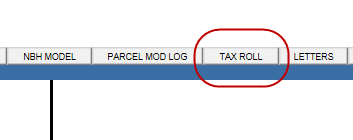
1. Click the Tax Roll tab on the Capture home screen.
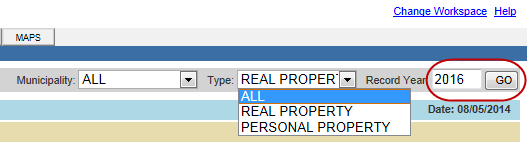
2. Enter the correct Record Year and click Go.
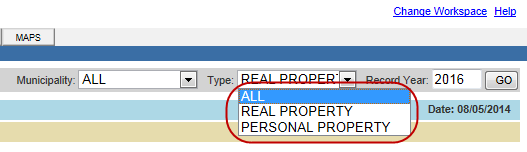
3. Select Real Property or Personal Property from the Type drop-down.
4. Verify that the displayed values are correct and click Finalize.

5. Click OK when prompted.
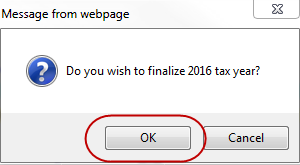
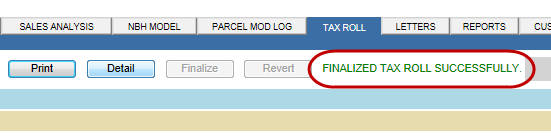
Note: When the Tax Roll has been finalized, a message will appear on the page to confirm the finalization.
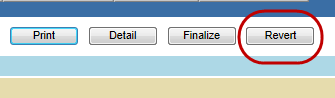
6. To revert a finalized tax roll, go to the current tax year and click Revert.
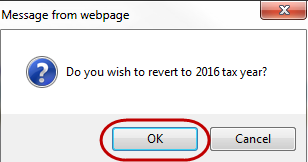
7. Click OK when prompted.
Note: All parcels must be checked back in before finalizing the tax roll or the user will be blocked from finalizing

Confidential | Copyright © 2001-2015 E-Ring, Inc.